 Amical
Preferences
Launch behaviour, dock visibility, sound, theme, and UI language.
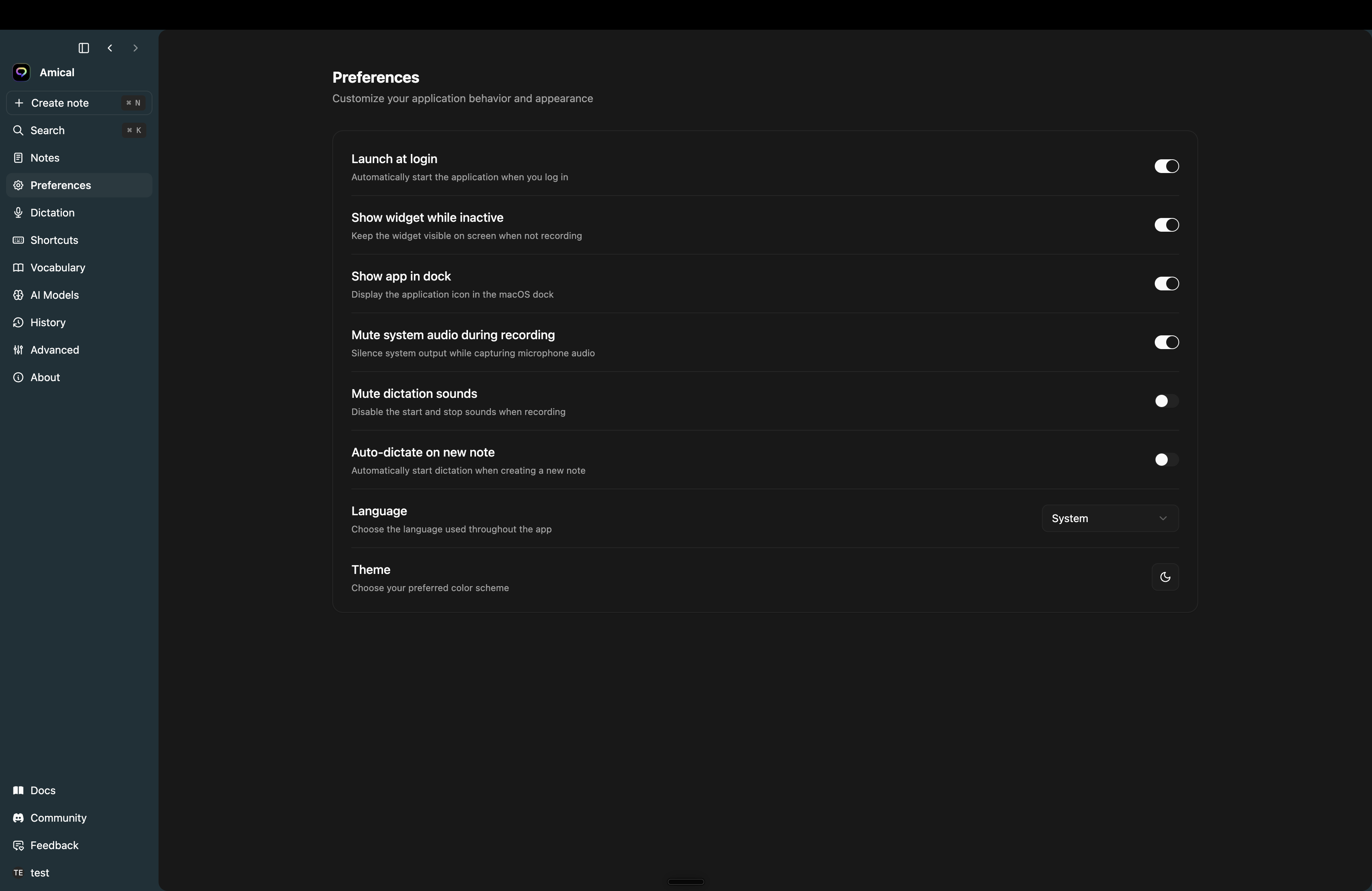
Settings → Preferences is where the app-shell behaviours live — startup, where Amical shows up, what makes a sound, what colour the UI is.
Startup
- Launch at login — Amical starts when you log in. On by default.
Visibility
- Show widget while inactive — keep the floating widget visible even when you're not recording. On by default. Turn it off and the widget only appears mid-recording.
- Show app in dock (macOS only) — when off, Amical lives only in the menu bar. The main window still opens from the menu bar icon → Open Console.
Sound
- Mute system audio during recording — silences other apps' audio while Amical is recording, so you don't pick up a YouTube tab through your mic. On by default.
- Mute dictation sounds — Amical plays a soft start/stop chime by default. Turn this on to silence them.
Notes
- Auto-dictate on new note — when you create a new note, immediately start a hands-free recording. Off by default. Pairs well with the New note shortcut bound under Settings → Shortcuts.
Look
- Language — the UI language. Choices: System, English, Español, 日本語, 繁體中文. Changing prompts you to restart so the strings reload.
- Theme — Light, Dark, or System.