

らーめぇーんマン@ramen_maaaaaaan
ごめん、勝間さん。 ScribesよりAmicalだわ
Amical is AI dictation that turns the way you talk into clean, formatted text in any app. Free and open source.
Available for Mac, Windows, iOS and Android
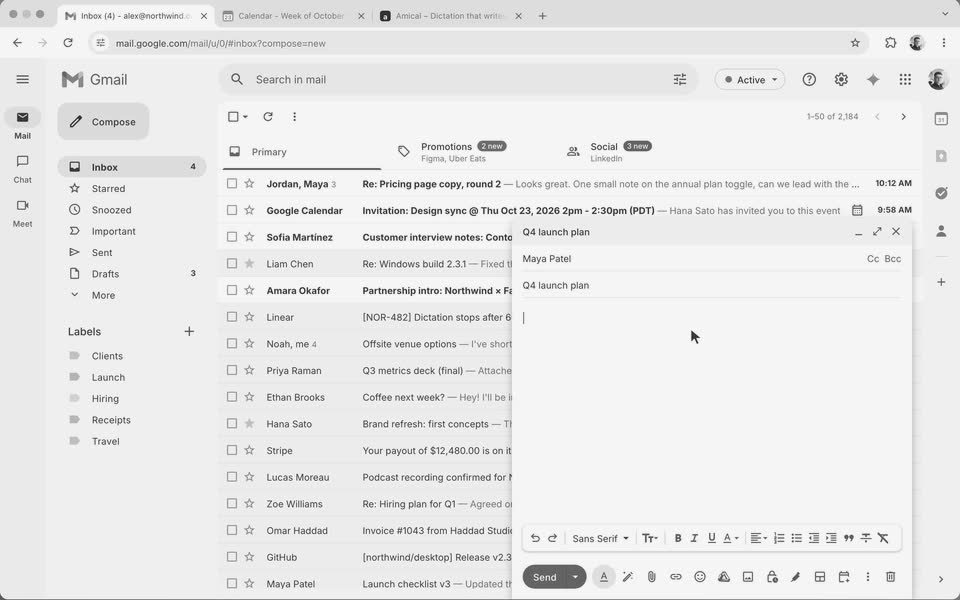
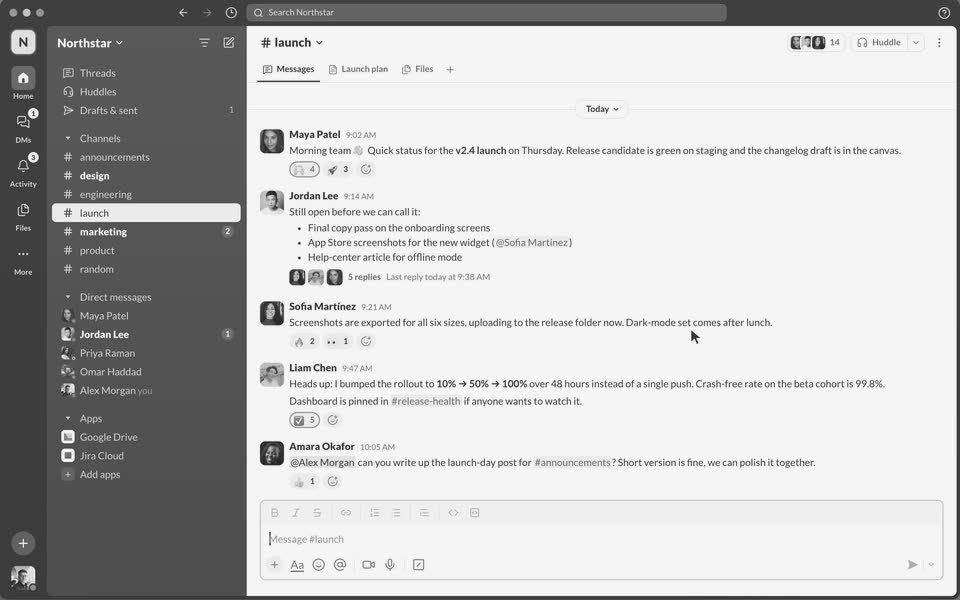
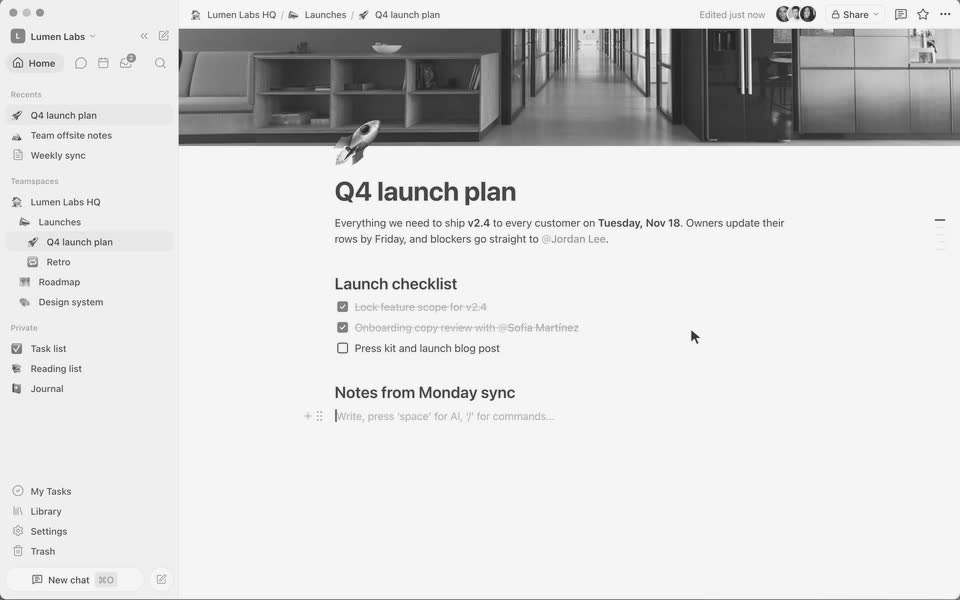
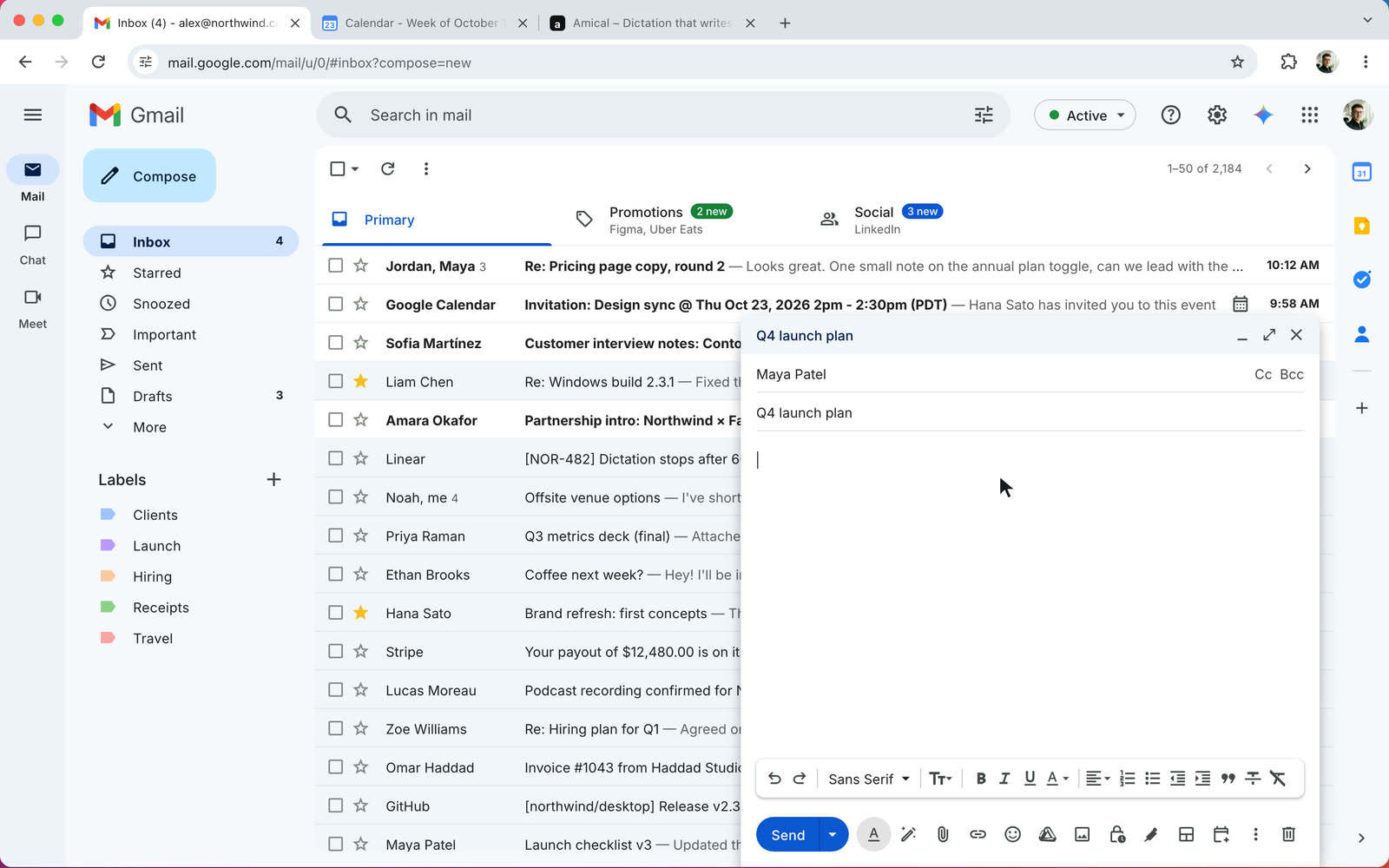
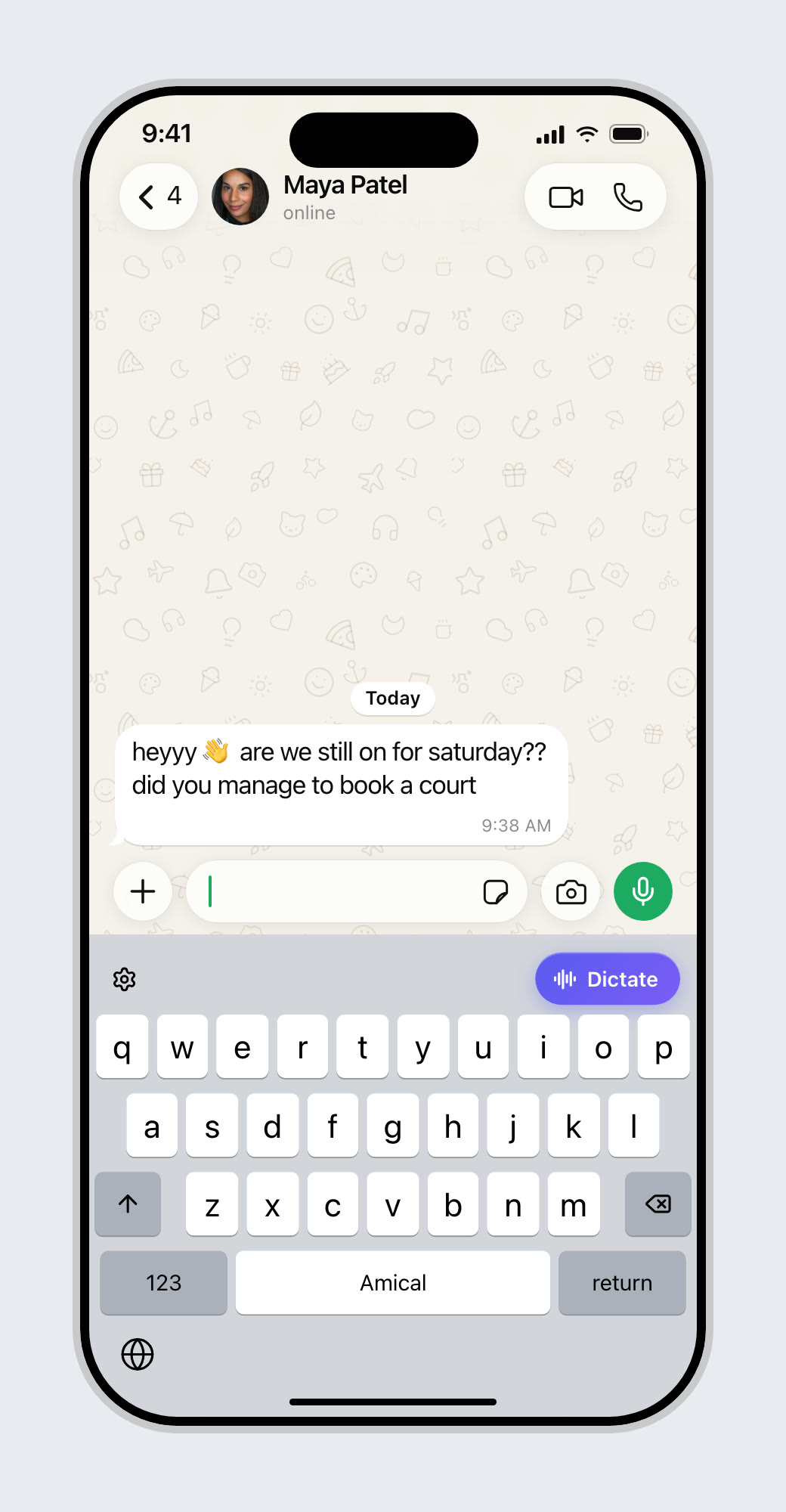
Say it once. In chat it's a short message, in email it gets a greeting and sign-off, in notes it becomes a to-do. Filler words never reach the page. It works anywhere you can type.
Spoken: “Um, tell Sam the launch moves to Thursday and, uh, we need the deck by Wednesday.” Amical writes it as a chat message, an email, a note with to-dos and a code comment, without the filler words.


Add names, product terms and jargon once. Amical spells them right every time.
Amical hears “send it to shavon at ack me” and writes “Send it to Siobhan at Acme.” using the words saved in Vocabulary.
Amical ASR 1 is our own speech model, built for how people actually dictate: a quick reply in chat, a careful email, a long brain dump into notes. Fast and accurate, in everyday and professional speech.
Available onMac, Windows, iPhone and Android
Say "my home address" and it types the full address.
Speak an instruction, review what Amical wrote, then insert it.
Casual in chat, polished in email.
Hold fn to talk, or press fn + Space for hands-free.
Auto-detects what you're speaking.
Shared vocabulary for your whole team.
Open a note from the widget and start talking. Amical writes it down, titled and tidy, without leaving what you're doing.
Run Whisper or Parakeet on your own device and nothing leaves it. Use Amical Cloud for speed. Or connect OpenRouter, Ollama or any OpenAI-compatible provider with your own keys. The code is open, so you can check.
Read the code on GitHubRuns on your device and works offline. Your voice stays with you.
ごめん、勝間さん。 ScribesよりAmicalだわ

This is really an amazing app, and I'm super impressed with how smooth it works, and their amazing support. It's just fast and accurate, and it formats the text depending on what application I'm using. This is really my go-to blathering app, and it makes my day so sweet and easy.

【音声入力】 現状Windowsでも使えるおすすめはこの3つ。 ・Amical ・Aqua Voice ・Typeless 個人的には慣れもあるけどAqua Voiceが好き。Typelessは整形キツめなのが難点だけどUIUXが良い。Amicalはローカル完結で無料なのがデカい。 音声入力は移り変わりが激しいので年払いはしない方がいいです。

[Free] Amical for voice input is way too convenient. Reviewing the good and bad of Amical, and walking through installation too.
Translated from Japanese

有益なアプリをありがとうございます☺️
There's also github.com/amicalhq/amical Switched to it a couple of weeks back, sleek UI and decent feature set. Works offline and on both windows and mac.

Amical - Open-source AI dictation app (@amical_app) Cossmology Profile: dub.sh/Vk7tPkn Key People: Haritabh Singh, Naomi Chopra (@NaomiChopra) #SpeechRecognition #OpenSource #OSS #COSS
ごめん、勝間さん。 ScribesよりAmicalだわ
This is really an amazing app, and I'm super impressed with how smooth it works, and their amazing support. It's just fast and accurate, and it formats the text depending on what application I'm using. This is really my go-to blathering app, and it makes my day so sweet and easy.
【音声入力】 現状Windowsでも使えるおすすめはこの3つ。 ・Amical ・Aqua Voice ・Typeless 個人的には慣れもあるけどAqua Voiceが好き。Typelessは整形キツめなのが難点だけどUIUXが良い。Amicalはローカル完結で無料なのがデカい。 音声入力は移り変わりが激しいので年払いはしない方がいいです。
[Free] Amical for voice input is way too convenient. Reviewing the good and bad of Amical, and walking through installation too.
Translated from Japanese
有益なアプリをありがとうございます☺️
There's also github.com/amicalhq/amical Switched to it a couple of weeks back, sleek UI and decent feature set. Works offline and on both windows and mac.
Amical - Open-source AI dictation app (@amical_app) Cossmology Profile: dub.sh/Vk7tPkn Key People: Haritabh Singh, Naomi Chopra (@NaomiChopra) #SpeechRecognition #OpenSource #OSS #COSS

Not sure why nobody's talking about it, but there's a free AI voice input app that's incredibly usable. It's called Amical, I use it daily.
Translated from Japanese

tried amical (free & open source) alternative to whispr flow, aquavoice because they both charged me over $10 and the fact that it lets me run everything locally so nothing leaves my machine is crazyyy🤯
nice comparison. been using amical lately and surprised it's not mentioned more. it's open source, runs locally or with cloud models, and actually formats stuff based on what app you're in. feels way more usable than just whisper or vosk on their own.

I was using VoiceDash, currently I'm using Blip AI, and now I'm testing Amical. So far, Amical is really, really good in recognizing my language and fantastic in recognizing the English language. I'm really impressed in this short period of time of using it.

Amical for voice input is great, runs locally so it's super fast. I was on Aqua Voice but the 0.5s lag between speaking and seeing text was stressful every time. Local model accuracy is slightly lower but well within acceptable.
Translated from Japanese

🎊 Big news! Amical @amical_app reached 1,000 stars on GitHub! High five! 🙌 Type 10x faster with AI-powered voice dictation openalternative.co/amical
Not sure why nobody's talking about it, but there's a free AI voice input app that's incredibly usable. It's called Amical, I use it daily.
Translated from Japanese
tried amical (free & open source) alternative to whispr flow, aquavoice because they both charged me over $10 and the fact that it lets me run everything locally so nothing leaves my machine is crazyyy🤯
nice comparison. been using amical lately and surprised it's not mentioned more. it's open source, runs locally or with cloud models, and actually formats stuff based on what app you're in. feels way more usable than just whisper or vosk on their own.
I was using VoiceDash, currently I'm using Blip AI, and now I'm testing Amical. So far, Amical is really, really good in recognizing my language and fantastic in recognizing the English language. I'm really impressed in this short period of time of using it.
Amical for voice input is great, runs locally so it's super fast. I was on Aqua Voice but the 0.5s lag between speaking and seeing text was stressful every time. Local model accuracy is slightly lower but well within acceptable.
Translated from Japanese
🎊 Big news! Amical @amical_app reached 1,000 stars on GitHub! High five! 🙌 Type 10x faster with AI-powered voice dictation openalternative.co/amical
Amical lets you type with your voice in any app. It is context aware, so it knows whether you are writing an email in Gmail or a message to a friend in WhatsApp, and formats the text to fit. Amical is free and open source.
Amical combines speech-to-text models such as Whisper with context awareness. It transcribes what you say, reads which app you are in through local desktop APIs, and types the formatted text straight into that app.
Amical uses state-of-the-art speech models for highly accurate transcription, then improves the result with context awareness, post-processing with language models and your custom vocabulary. The source code shows exactly how.
Yes. Amical is open source, so you can read the code or build the app yourself from the source repo. Choose a local model and nothing leaves your device, or bring your own keys and AI providers.
Amical runs on Mac, Windows, iPhone and Android. Get it for your device on the download page.
Amical is free, open source and can run entirely on your device. See how it compares with Apple Dictation, Windows Voice Access, Wispr Flow and Superwhisper, or browse every comparison.

Free with local models. Premium adds unlimited cloud dictation and team features.
See pricing