 Amical
Vocabulary
Teach Amical the words and replacements that matter to you.
If Amical keeps mishearing a name, an acronym, or a piece of jargon, add it here and the speech model will know to listen for it. You can also map common misspellings to the spelling you actually want.
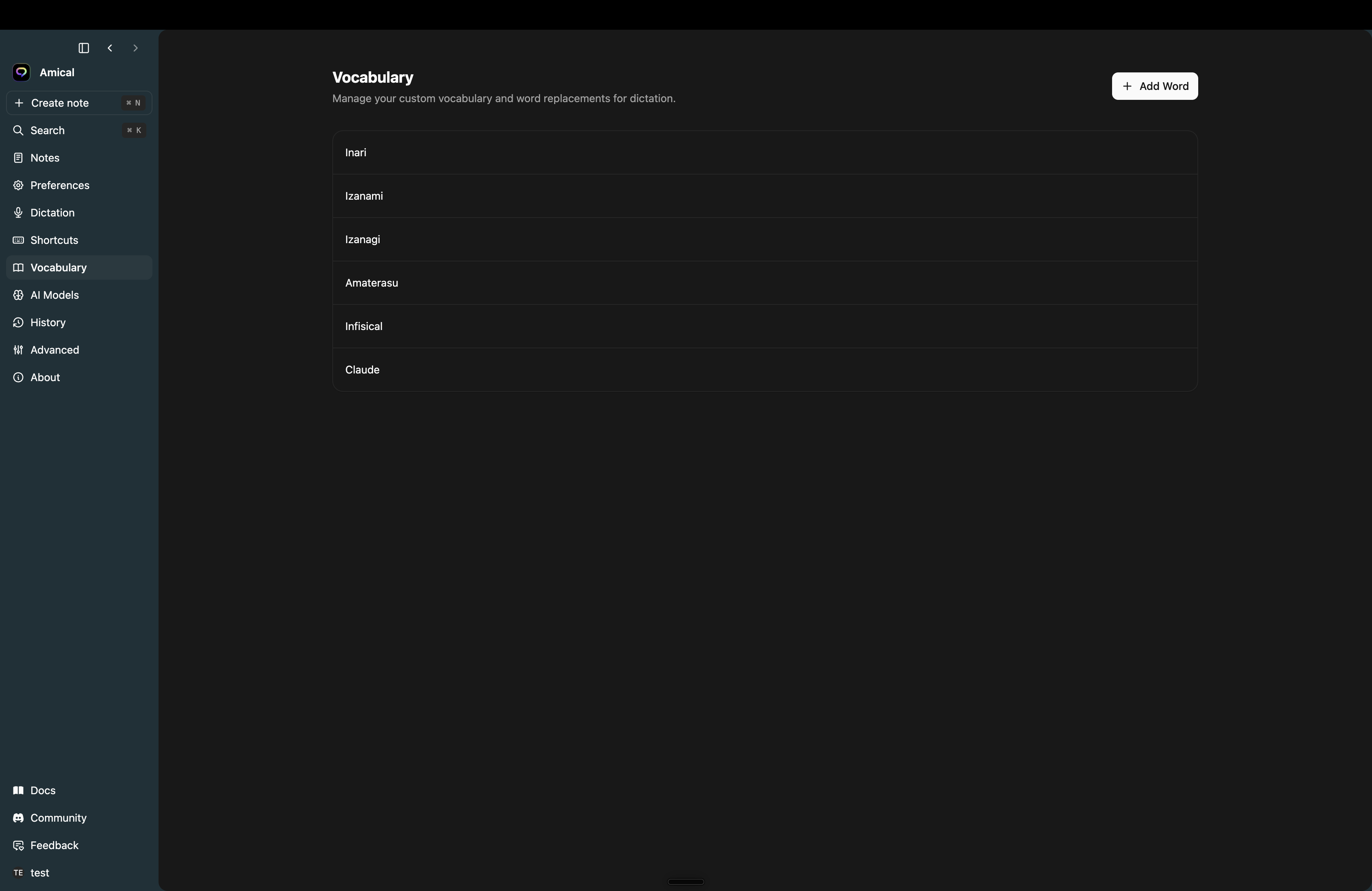
Open Settings → Vocabulary and click Add Word.
Two modes
The dialog has a Replacement toggle:
- Off (single word) — type the word as you want Amical to spell it. Good for proper nouns ("Kubernetes", "Anthropic"), acronyms, and jargon.
- On (replacement) — type the misheard form on the left and the correct form on the right (
acme corp→Acme Corp). Anything Amical transcribes matching the left side gets swapped for the right.
Edit or delete
Hover any row in the list to show edit and delete buttons. Edits use the same dialog. Delete asks for confirmation.
Notes
- Entries take effect on your next recording — no restart.
- Vocabulary is per-account, so it follows you across machines once you sign in.
- The list is paged at 100 entries; the search and sort happen client-side within that window.