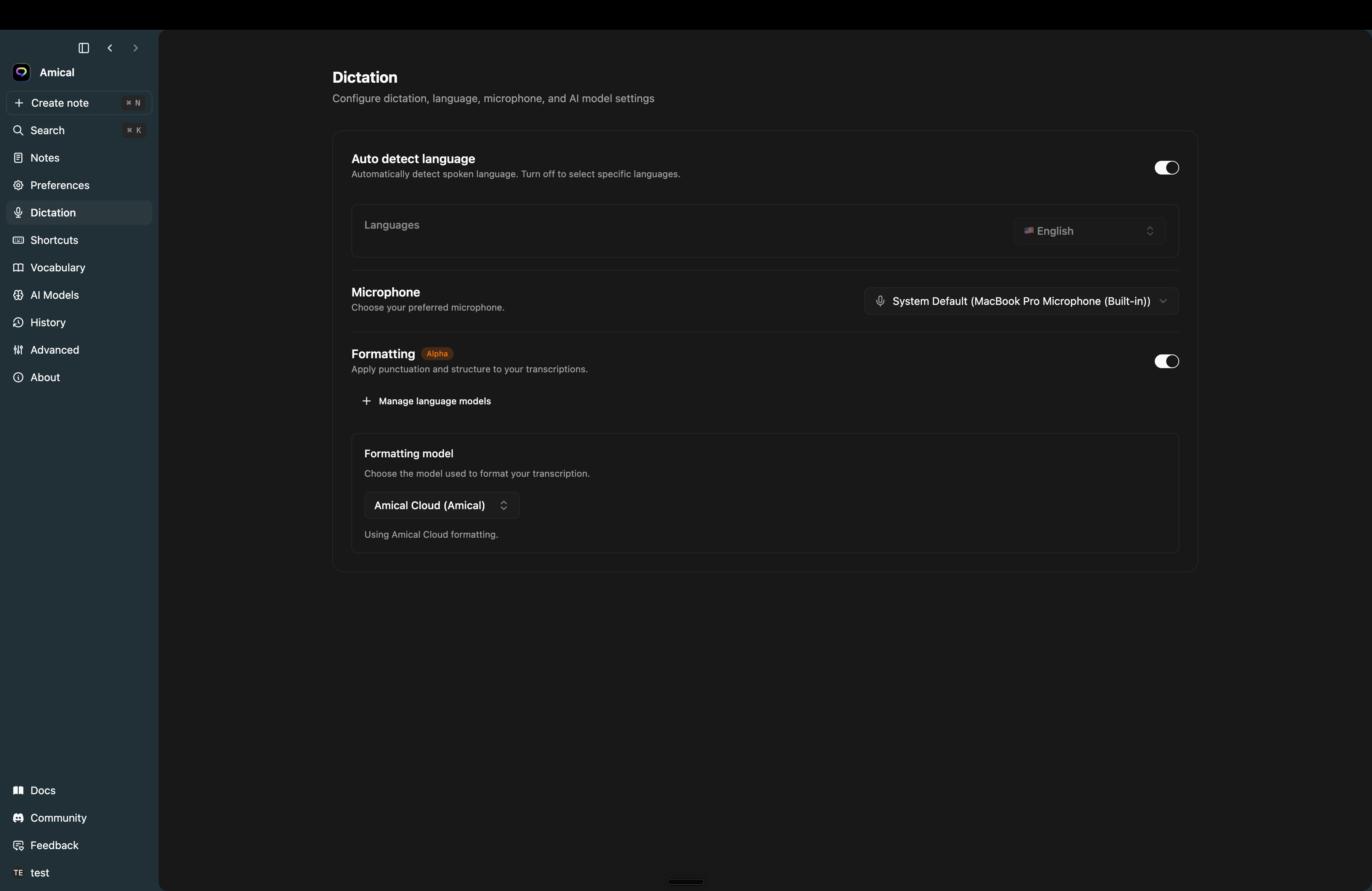
Amical 1.0 is the biggest update since launch: a new layout, a place for your spoken notes, and a transcription pipeline that is much better at ignoring silence.
New
- A redesigned app. A cleaner layout with the same look on Mac and Windows.
- Voice notes. Speak a note and get Markdown, with a notes window you can open from anywhere with a global shortcut.
- Amical in Japanese and Spanish. The app is now translated.
- Paste your last transcript again with a dedicated shortcut.
- Mute system audio while you dictate, so music and calls don't end up in your text.
- Retry a failed transcription from history instead of saying it again.
- Beta updates. Choose the stable or beta channel in settings.
Improved
- Fewer phantom words. Silence and background noise are filtered out before transcription.
- Left and right modifier keys both work in shortcuts, and external keyboards are recognised better.
- Vocabulary replacements work in Chinese, Japanese and Korean.
Fixed
- Window controls sit in the right place on macOS Tahoe.
- Theme changes apply everywhere at once.
